Why Agents Are Not the Future, Skills Are: When AI Is Caged in SOPs, the Efficiency Revolution Truly Begins
In the past, we always stared at large language models, thinking they were the power plants, the core.
But don't forget, what really changes our lives is not the power plant itself, but the appliances like refrigerators, washing machines, and air conditioners.
The appliance market is always a thousand times larger than the power plant market. Skill is the appliance of the AI era.
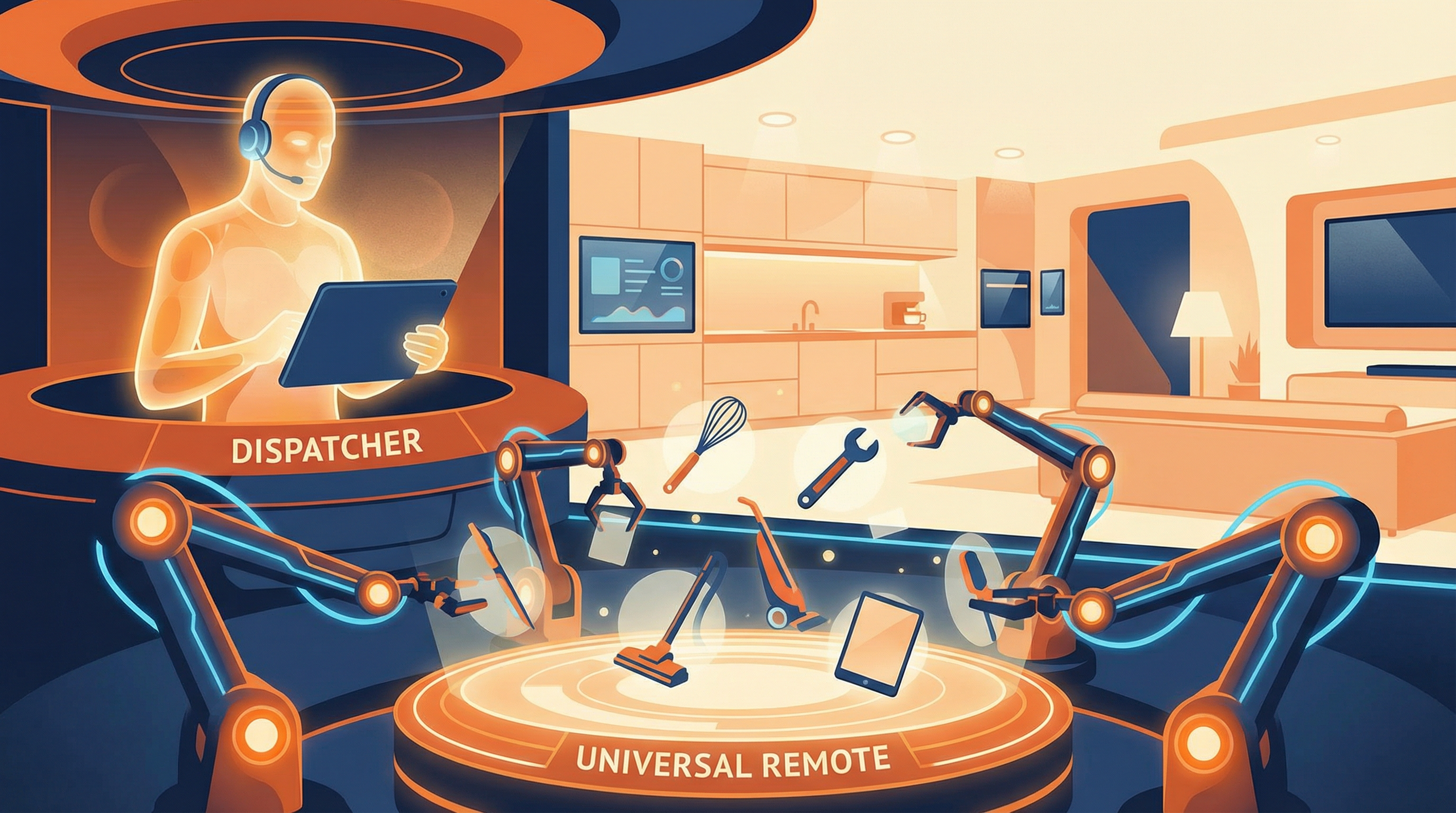
It is the reassurance that turns AI from a surprise into stability. Why do many companies dare not use Agents?
Because they are uncontrollable. The same command might give a surprise today, but a scare tomorrow.
But Skill cages AI into the SOP (Standard Operating Procedure), turning it into an auditable, deliverable digital employee.
Only when it is controllable can it be used commercially; only when it is used commercially will it replace.
More importantly, it has completely leveled the threshold of programming. This is just like short videos compared to traditional film and television—programs that used to take professional teams months to produce can now be shot by ordinary people with mobile phones in minutes to create hits.
Skill is replicating this "PGC to UGC" revolution in the software field.
Because writing a Skill doesn't require you to know how to code; you just need to know how to teach people to do things. Even, AI can generate a Skill by watching you operate once.
When every repetitive job and every tedious process is quickly encapsulated into a Skill, we will usher in an efficiency revolution more violent than the mobile internet wave.
Ultimately, all this will completely change our roles. Now we are often bogged down in execution details, doing everything ourselves, being the slowest bottleneck in the process.
Skill will let us leap to the coordination level—humans change from the musician buried in playing to the conductor waving the baton. You no longer need to play every note yourself, but are responsible for coordinating this symphony orchestra composed of countless AI Skills to control the rhythm and emotion of the entire movement.
So, stop just playing with models. Go build your Skills; that is your ticket to the future.
Since you want to be a "conductor," you can't just have a bare baton in your hand; you also need "musicians" who can understand the command.
I know, reading this might make your blood boil, but there might still be a trace of doubt in your heart: "This vision sounds beautiful, but when it comes to my weekly report tomorrow or the plan the day after tomorrow, what help can Skill actually provide?"
This is the core problem we are going to solve today. If we don't turn these abstract concepts into handy tools, then Skill will always be just empty talk.
Imagine, we no longer need to stare at the screen and compare contract terms line by line, because PDF Skill can spot all risk points in a second;
We no longer need to copy and paste until our hands cramp to fill web data into tables, because Browser Skill can automatically crawl data like a diligent intern;
We don't even need to write a single line of code to run professional data analysis charts with Python Skill.
So, I avoided those fancy but useless toys and specially selected a batch of practical Skills that can be used immediately and show results instantly for you.
From the regular army produced by officials to the special forces contributed by the community, use specific examples to show you the true capability boundaries of Skill.
High-Quality Skill Sharing
1. Official Document Processing All-Rounder (Office & PDF)
Let's start with the most basic, and also what everyone uses the most—office document processing.
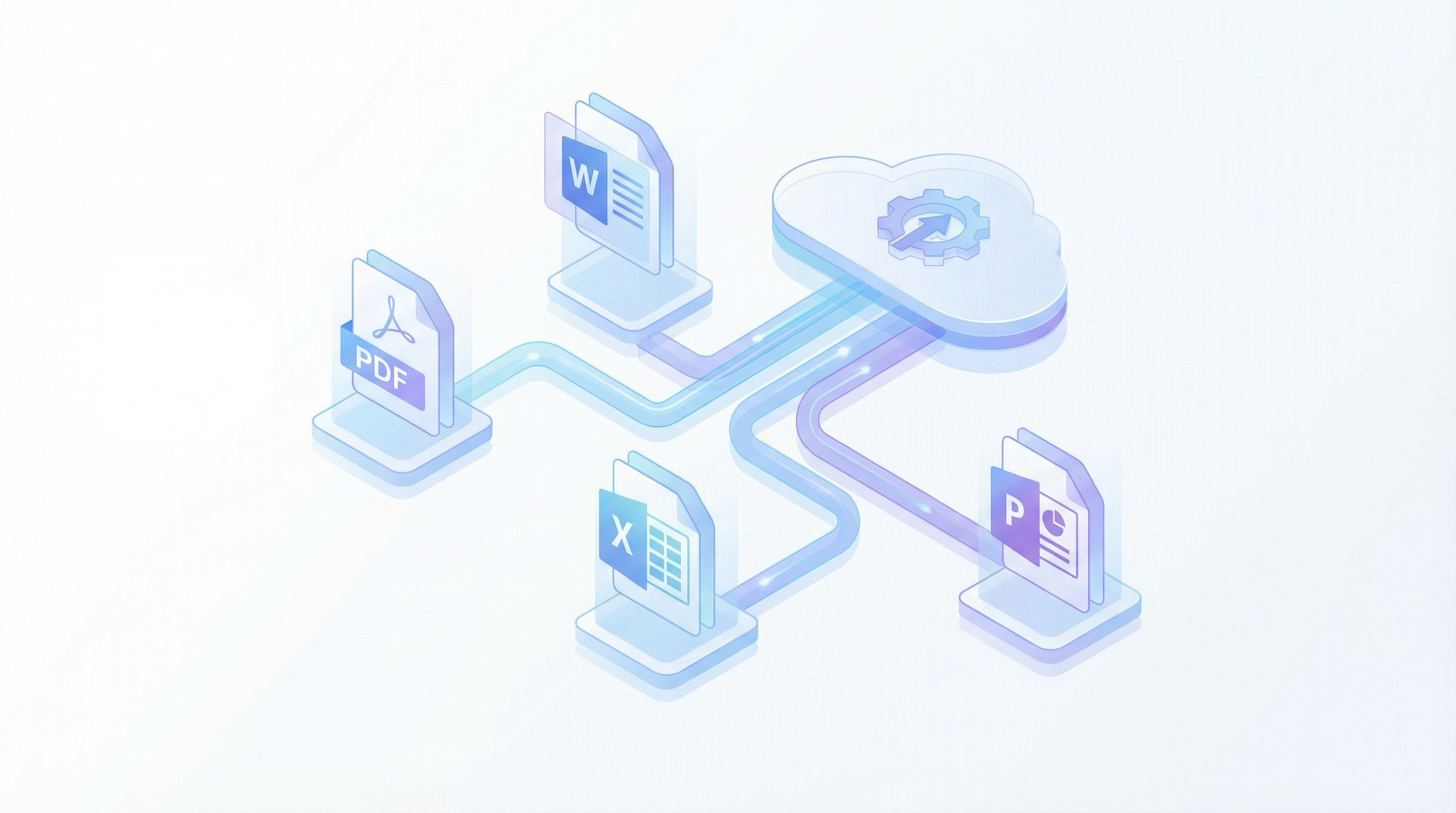
Claude official has actually prepared a "four-piece set" for us, specifically for dealing with PDF, Word, Excel, and PPT. These four Skills are not just simple reading and writing tools; they are more like engineers proficient in Office underlying code living in your computer.
👉 Repository Direct Link: anthropics/skills (You can find them in the skills/ directory inside)
📄 PDF Skill (PDF Structure Engineer)
🔗 Download Link: skills/pdf
The core capability of this Skill is actually restructuring and extraction.
It doesn't let you change words directly like Word, but processes PDF pages like playing with building blocks.
- Merge and Split: When you need to combine three contract files into one, or split a bid of hundreds of pages by chapter, just order it.
- Table Extraction: This is its strongest point. If the other party sends a financial report in PDF format full of tables, don't type it by hand. Use this Skill; it can accurately dig out the tables in the PDF, restore them to Excel, and even handle cross-page tables.
- OCR and Scans: Even for scanned PDFs (image type), it can work with OCR tools to extract text and data.
📝 DOCX Skill (Professional Document Redline Expert)
🔗 Download Link: skills/docx
The biggest highlight of this Skill is not writing articles, but Professional Review (Redlining).
In legal, business, or academic scenarios, document changes must leave traces. This Skill supports a complete Redlining Workflow:
- Precise Revision: It doesn't change things randomly, but generates standard
<w:ins>(insert) and<w:del>(delete) tags in the background like a professional lawyer. - Batch Processing: You can let it replace all "Party A" with "Party B" in the document at once, while retaining all revision traces for the other party to review.
- Visual Restoration: It can even convert the document into an image and send it to you to ensure the layout is not messed up.
📊 XLSX Skill (Financial Modeling Analyst)
🔗 Download Link: skills/xlsx
Don't just treat it as a calculator. This Skill is designed according to Wall Street Financial Modeling Standards.
- Refuse Hard Numbers, Use Formulas Only: The biggest problem with many AIs processing Excel is filling in calculated numbers directly (Hardcode). But this Skill understands the Dynamic Formula principle. For example, to calculate the growth rate, it will write
=C5/C4-1instead of directly filling in0.15. This way, when you modify the original data, the entire table will automatically update. - Professional Format: It understands industry unwritten rules—input values in blue, formulas in black, external links in red. The table made is not only correct but also professional.
- LibreOffice Verification: It will even run it in the background with LibreOffice to ensure all formulas can calculate correct results, without low-level errors like
#DIV/0!.
📽️ PPTX Skill (Code-Level Presentation Designer)
🔗 Download Link: skills/pptx
This is the Skill I misunderstood the most. It is not a simple "outline generator" at all, but a pixel-level designer.
- HTML to PPT: It supports an advanced gameplay—first use HTML/CSS to draw the page beautifully (supporting complex two-column layouts, chart mixing), and then compile it directly into PPT. This means you can have web-level layout freedom.
- Enterprise Template Adaptation: If you have a company-prescribed PPT template, it can read the master structure (Slide Master) of this template and then fill in the content.
- Visual Acceptance: After generating the PPT, it will automatically take screenshots of each page and send them to you for inspection. Is there any text overflow? Is the image blocked? You can tell at a glance.
2. Community Selection: Obsidian Canvas (Infinite Canvas Mind Map)
🔗 Download Link: kepano/obsidian-skills
If you are also a heavy user of Obsidian, you must not miss this Skill contributed personally by kepano (Obsidian CEO).
It solves a problem that gives me a headache: How to let AI help me draw diagrams?
Previously, when we asked AI to summarize articles, what it gave was often still text, dense text blocks, which were tiring to look at. But with this Skill, you can directly say to Claude: "Help me draw the logical structure of this article."
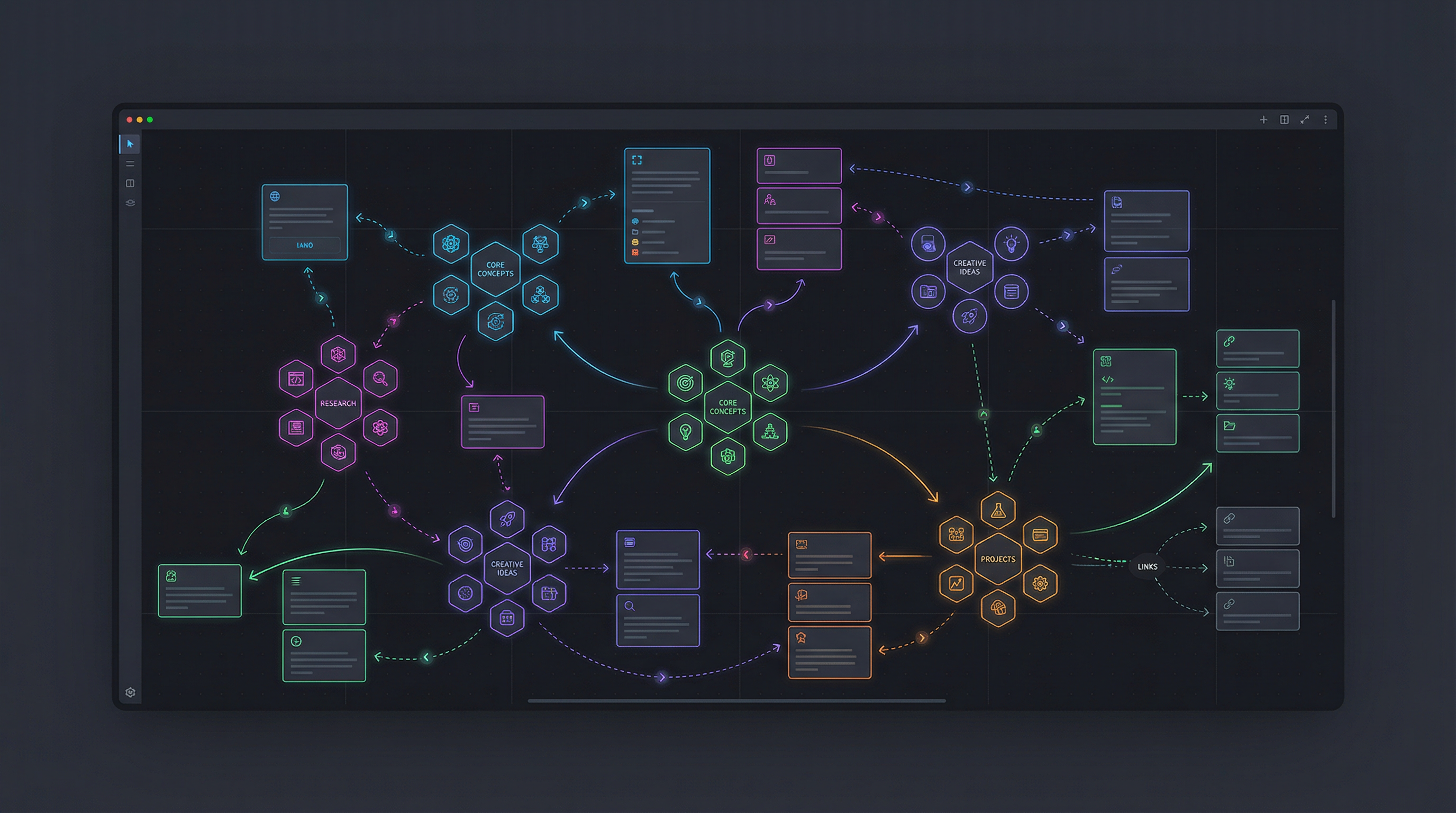
It will directly call the Canvas function of Obsidian and generate a visual whiteboard file for you.
All arguments are dismantled into cards, connected by lines with arrows in the middle, and you can even mark logical relationships on the lines (such as "causes," "supports").
Not only that, what it generates is not just rigid text boxes. It can directly reference notes and images already in your Vault, and even package and group them (Group). You can try asking it to help you design a "Project Kanban," divided into three columns: To Do / Doing / Done, and it can build a visual workflow for you in minutes.
3. Community Selection: Office & Creative Toolbox
This group of Skills comes from contributions by community developers, specifically solving those small but painful office scenarios.
📧 Email Composer (High EQ Email Assistant)
🔗 Download Link: davila7/email-composer
This is not simply "help me write an email." It is more like a secretary who understands workplace etiquette. You just need to tell it "write a rejection letter to the client because the budget is not enough, but leave some room," and it can accurately grasp the degree of "polite but firm." Whether it is euphemism when urging progress or taking responsibility when reporting bad news, its built-in multiple scenario templates can help you properly handle those interpersonal communication problems that cause headaches.
🎨 Generate Image (Multi-function Image Generation & Editing)
🔗 Download Link: davila7/generate-image
If you need to illustrate an article or make a PPT cover, this is enough. Its biggest feature is not just generating images, but supporting "Conversational Editing". You don't need to regenerate repeatedly, but can directly say to the existing image: "Change the sky in the background to purple," "Put sunglasses on this person," or "Remove the text in the image." It will understand your instructions and call FLUX or Gemini models to accurately modify the picture, rather than blindly redrawing randomly.
✨ Image Enhancer (Image Quality Savior)
🔗 Download Link: davila7/image-enhancer
This is a tool often used by famous blogger Lenny Rachitsky when writing Newsletters. When we write documents or make PPTs, we often encounter the problem of blurry screenshots. This Skill can intelligently reconstruct image details, turning low-definition screenshots into retina-level high-definition large images. Even old photos or over-compressed JPG images, throw them in to "wash," and they will immediately become clear and sharp.
📥 Video Downloader (Material Collector)
🔗 Download Link: davila7/video-downloader
For content creators and researchers, seeing good video material is not enough just to collect. This Skill can help you download wonderful speeches or tutorials on YouTube with one click, along with the title, description, and cover image packed and archived. It supports 4K quality selection and can also download audio only (suitable for saving podcasts), which is very suitable for building your own local material library or learning offline on a plane.
4. Skill Creator (Skill Machine)
🔗 Download Link: anthropics/skills
This is a meta Skill, which is a tool for making tools.
If you want a function, but existing Skills cannot meet it, what should you do? You don't need to learn Python programming yourself. Just tell it: "I want a Skill that can automatically analyze stock codes," or "Help me make a Skill that can download all image links in Markdown to the local."
It will ask you specific requirement parameters like a seasoned programmer, and then directly generate a Skill package containing complete code and documentation. You just need to put it in the folder, and a new capability is born.
Now my Skill is created by it.
Skill Is the Future of Large Models
Many of the Skills introduced above still carry a geeky flavor. After all, the current Skill circle is still limited to the developer community, and there are indeed not enough Skills suitable for ordinary users on the market.
But I think the real explosion point of Skill lies in serving ordinary people.
I myself have been exploring more grounded ways to play. For example, I shared a Skill before, which can not only automatically write WeChat official account articles but also publish them automatically. In addition, there are:
- Xiaohongshu Copywriting Extraction: Throw the note link directly to Skill, and it can not only extract the copy but also automatically transcribe, refine key points, and even help you analyze the logic of hits.
- E-book Format Conversion: Like the tool made by blogger @Xiangyang Qiaomu, one sentence can solve the pain point of format incompatibility.
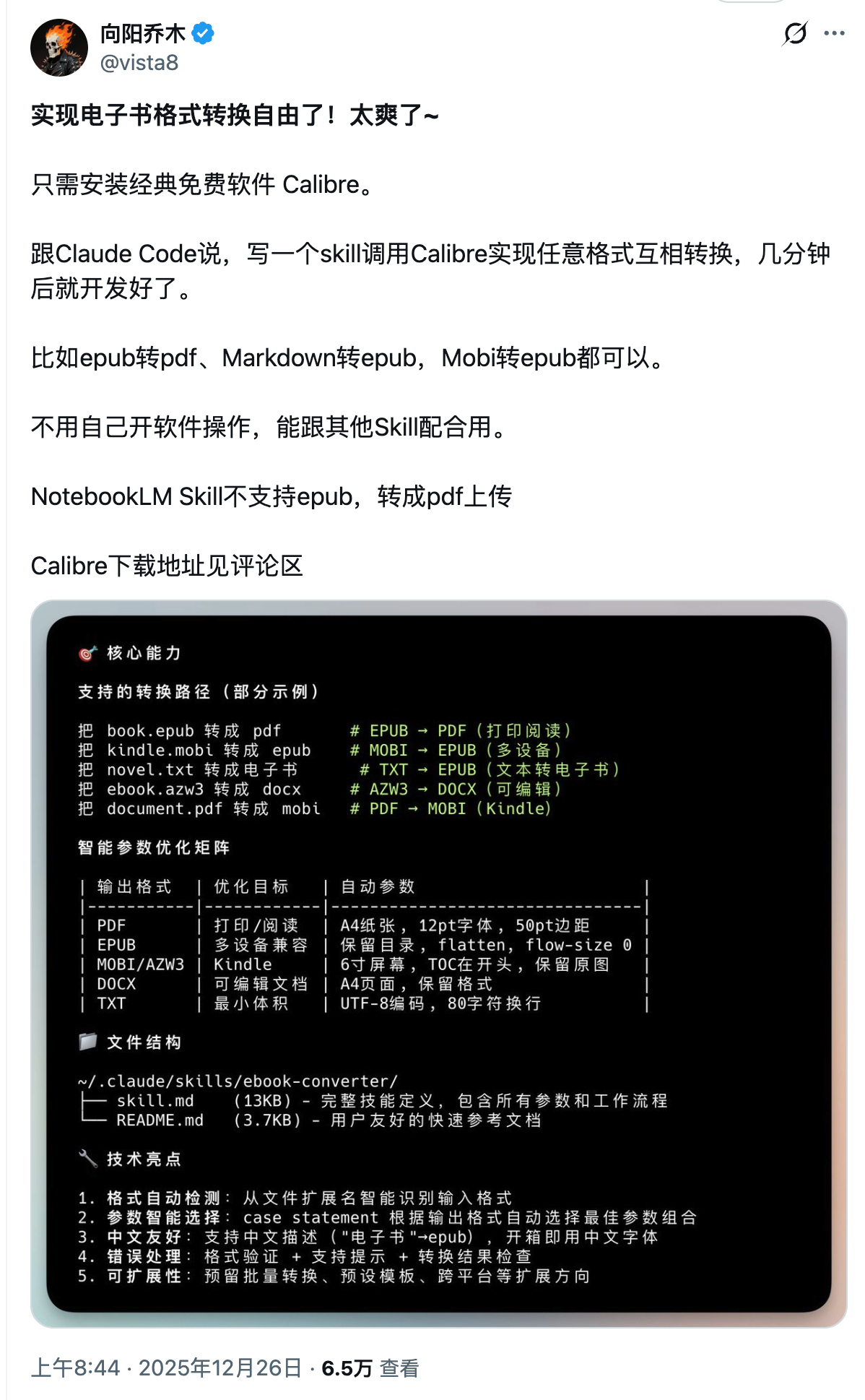
- Knowledge Visualization: Just like the Canvas conversion mentioned earlier, turning obscure text into clear logical diagrams instantly.
These are what Skill should look like—it shouldn't just be an efficiency tool for programmers, but should be the universal remote control in everyone's hands.